Rakesh Chauhan
Position:
Managing Director and Head of Operations, India

Rakesh brings 14 years of leadership, technical & sales expertise to our operations in India. He is also the Managing Director of our subsidiary, TechMinds InfraSol Pvt Ltd.
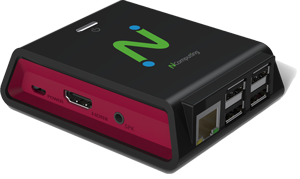
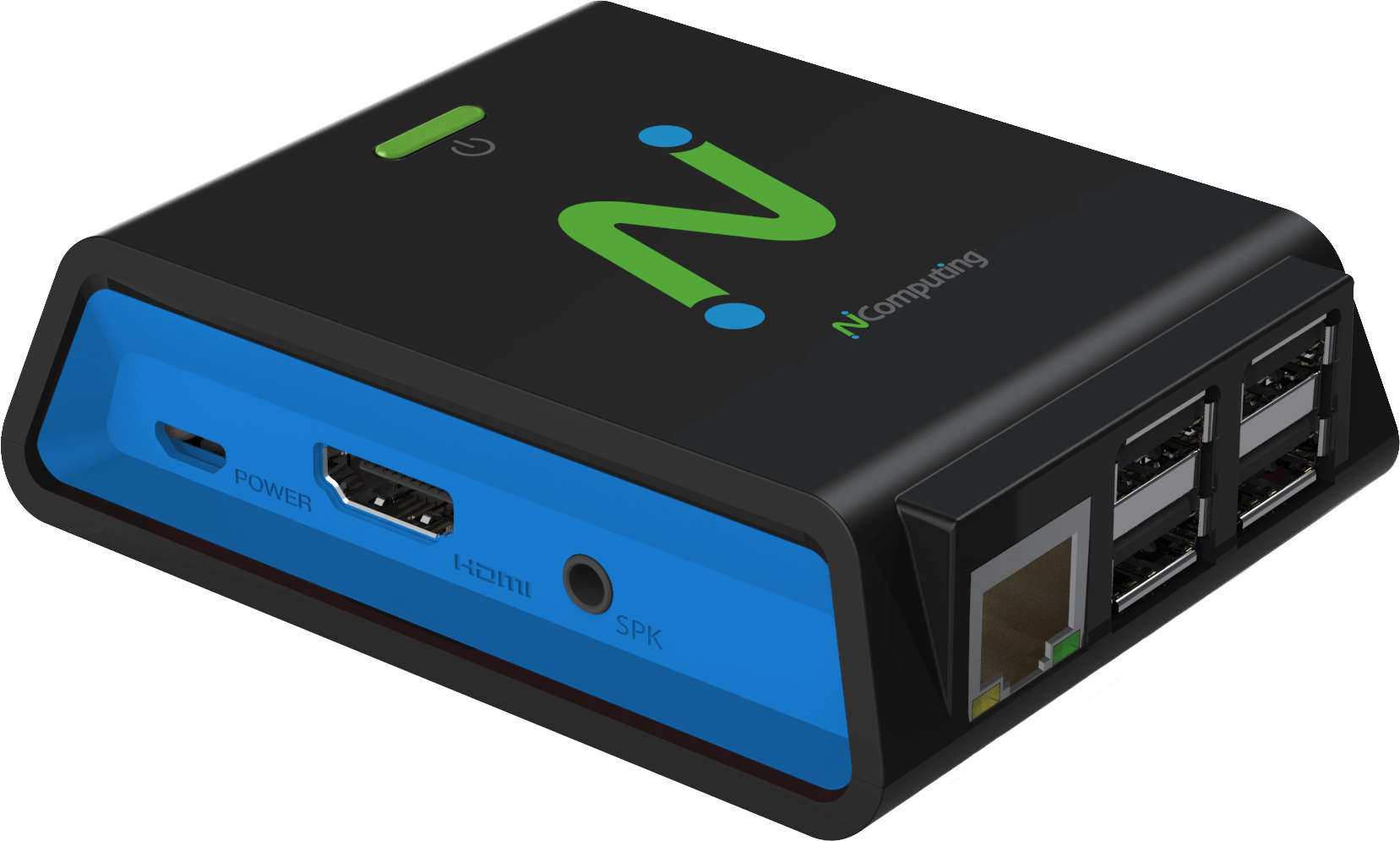
The RX300 and RX300+ are simple-to-deploy, centrally managed, high-performing thin clients.
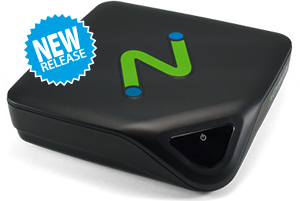
The L-series, powered by ARM-based SOC, are small, low-power devices for use with vSpace Pro.
-menu.png)
Native dual display, local Chromium browser, and support for multiple platforms built on Raspberry Pi 4.
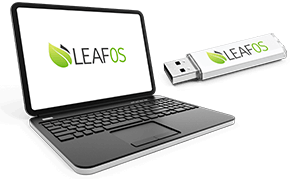
A small Linux-based operating system providing the basis for thin client computing. Enable users to access virtual desktops using their personal computers, including out-of-date x86-64 PCs and laptops.
Rakesh brings 14 years of leadership, technical & sales expertise to our operations in India. He is also the Managing Director of our subsidiary, TechMinds InfraSol Pvt Ltd.

Reducing TCO through smart computing.