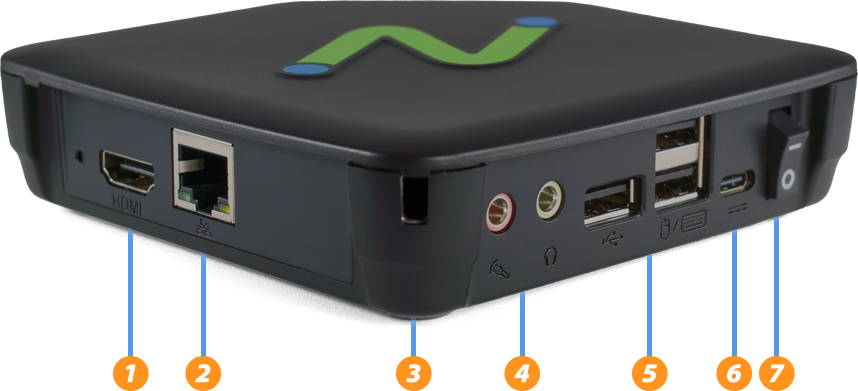
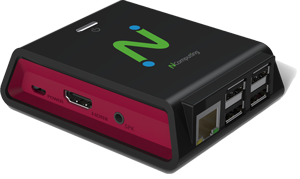

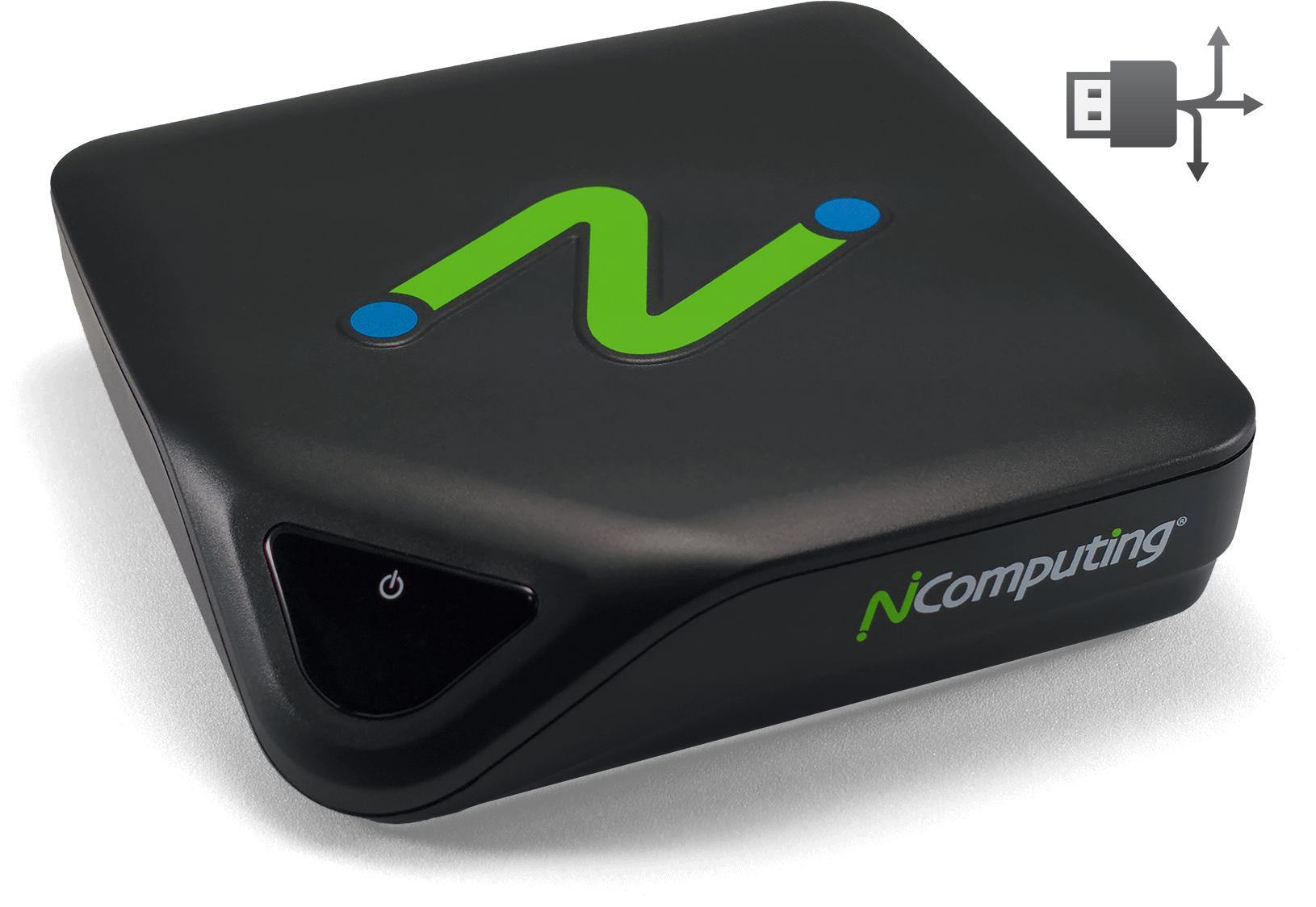
L-series Next-generation thin client for vSpace Pro. The L400 succeeds the L300 and L350 with updated connection ports, internals, and an expanded feature set. Built on a low-power quad-core ARM platform, it delivers Quad-HD multimedia, transparent USB redirection, and a seamless vSpace Pro virtual desktop experience in a compact, fanless design.
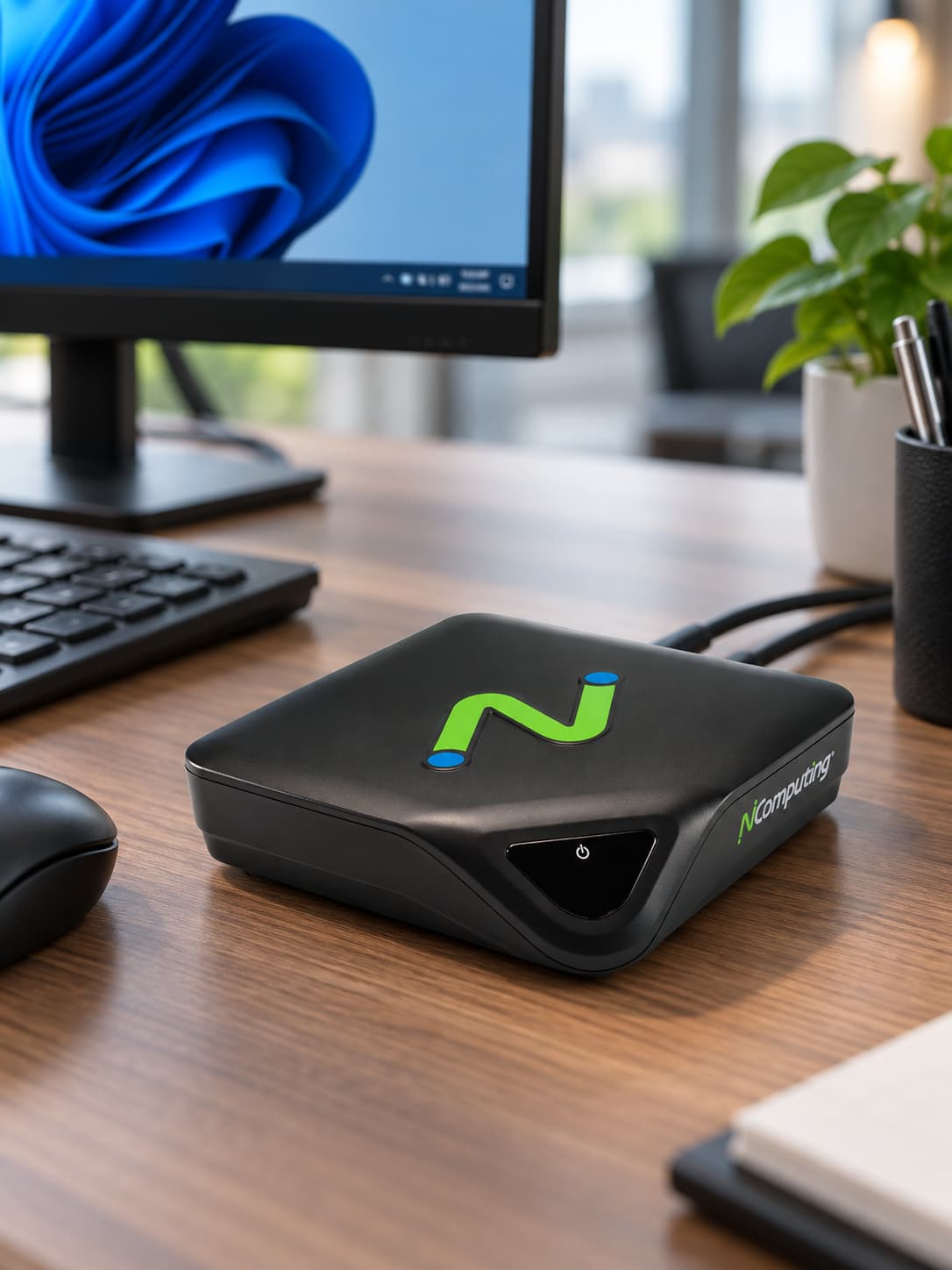
L400 thin client
 Quad-core ARM Low-power architecture
 Single Display2560 x 1440 max resolution
 HDMI Video output
 10/100 Ethernet Wired networking
 USB redirection Broad peripheral support
 vSpace Pro Desktop virtualization
Better performance, more flexibility
Built on the low-power quad-core ARM architecture platform, the L400 features full-screen Quad-HD (2560 × 1440) multimedia playback and transparent USB redirection for a seamless virtualized PC experience.
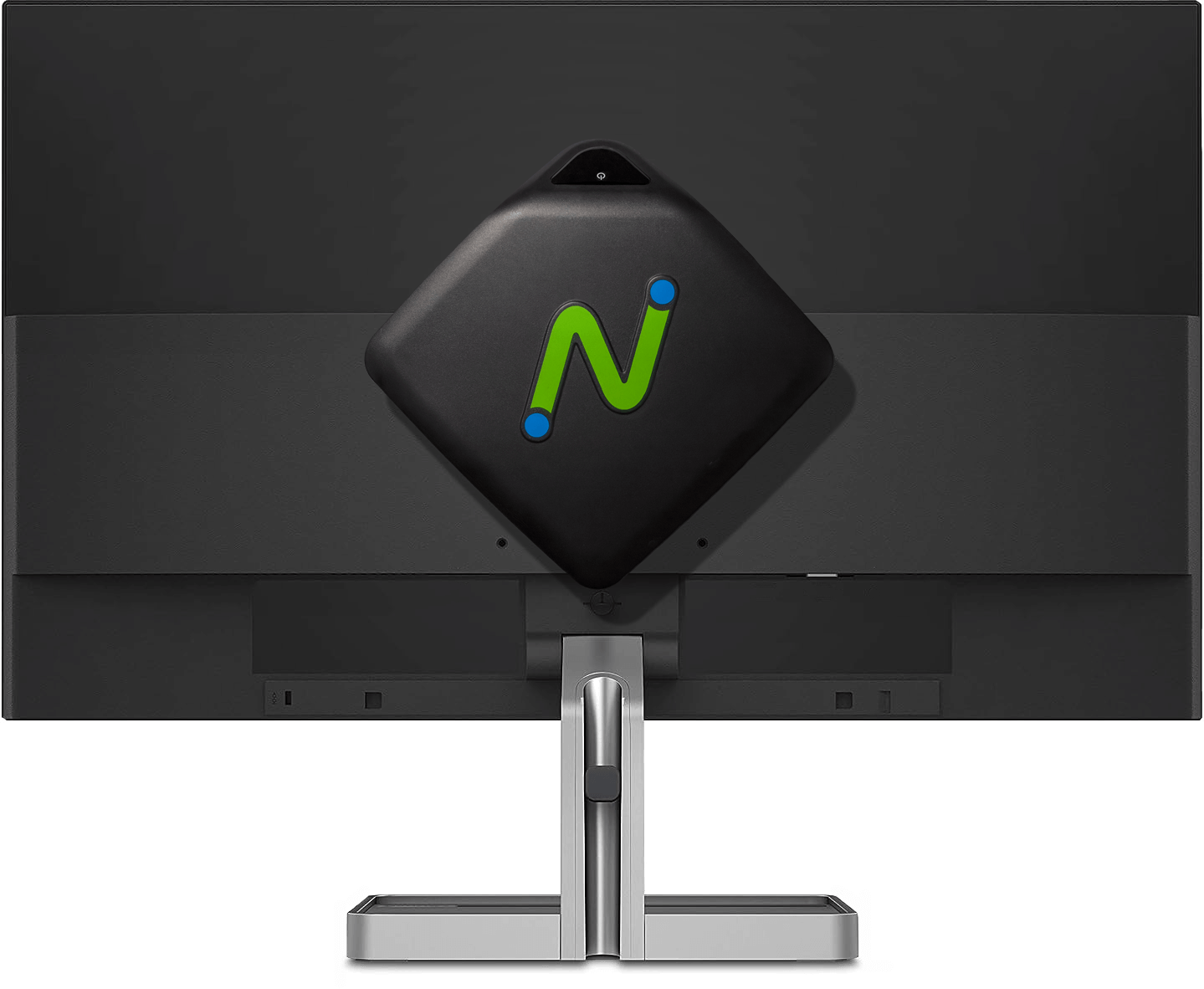
Use a VESA mount to tuck the L400 behind a monitor, or place it quietly on the tabletop. With no moving parts, the device operates without fan noise.
Take advantage of your vSpace Pro investment
vCAST Streaming
vCAST reduces server-side CPU usage when streaming media from sources such as YouTube and from local media content, without requiring expensive GPUs. The result is smooth media streaming, lower network traffic, and reduced server CPU usage, allowing more concurrent users per server.
UXP Turbo
UXP Turbo enhances the desktop experience for 3D rendering, browser scrolling, video playback, and multimedia-intensive applications that can take advantage of host systems with supported graphics cards.
UXP Turbo is available only in vSpace Pro Enterprise when running Windows 10, Windows 11, or Windows Server 2022.
See and be seen
USB webcam support helps users stay engaged and productive with popular video conferencing applications including Microsoft Teams, Zoom, WebEx, GoToMeeting, and Skype.
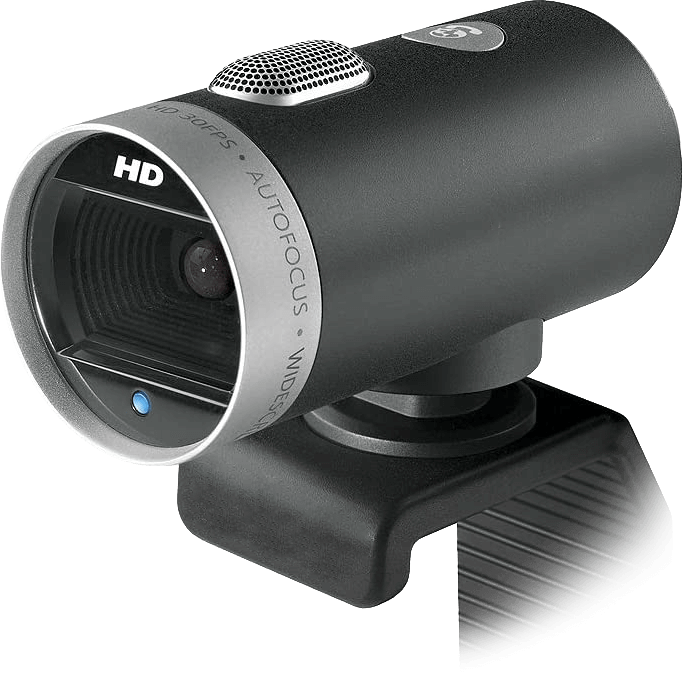
Plug in what you want
Transparent redirection of device drivers from the server to the L400 provides extensive USB peripheral support across a deployment. Supported device types include mass storage, printers, smart card readers, headsets or speakers, webcams, hubs, signature pads, and COM ports in addition to standard keyboards and mice.
PMC gives you a single pane of glass to configure, monitor, and maintain your NComputing endpoints wherever they are. Save time, reduce IT overhead, and keep every workspace running at its best. Deploy settings, policies, and restrictions across devices and locations in seconds. Push firmware and software updates remotely to keep endpoints secure and up to date. Real-time device status, alerts, and reports help you stay in control at every scale.
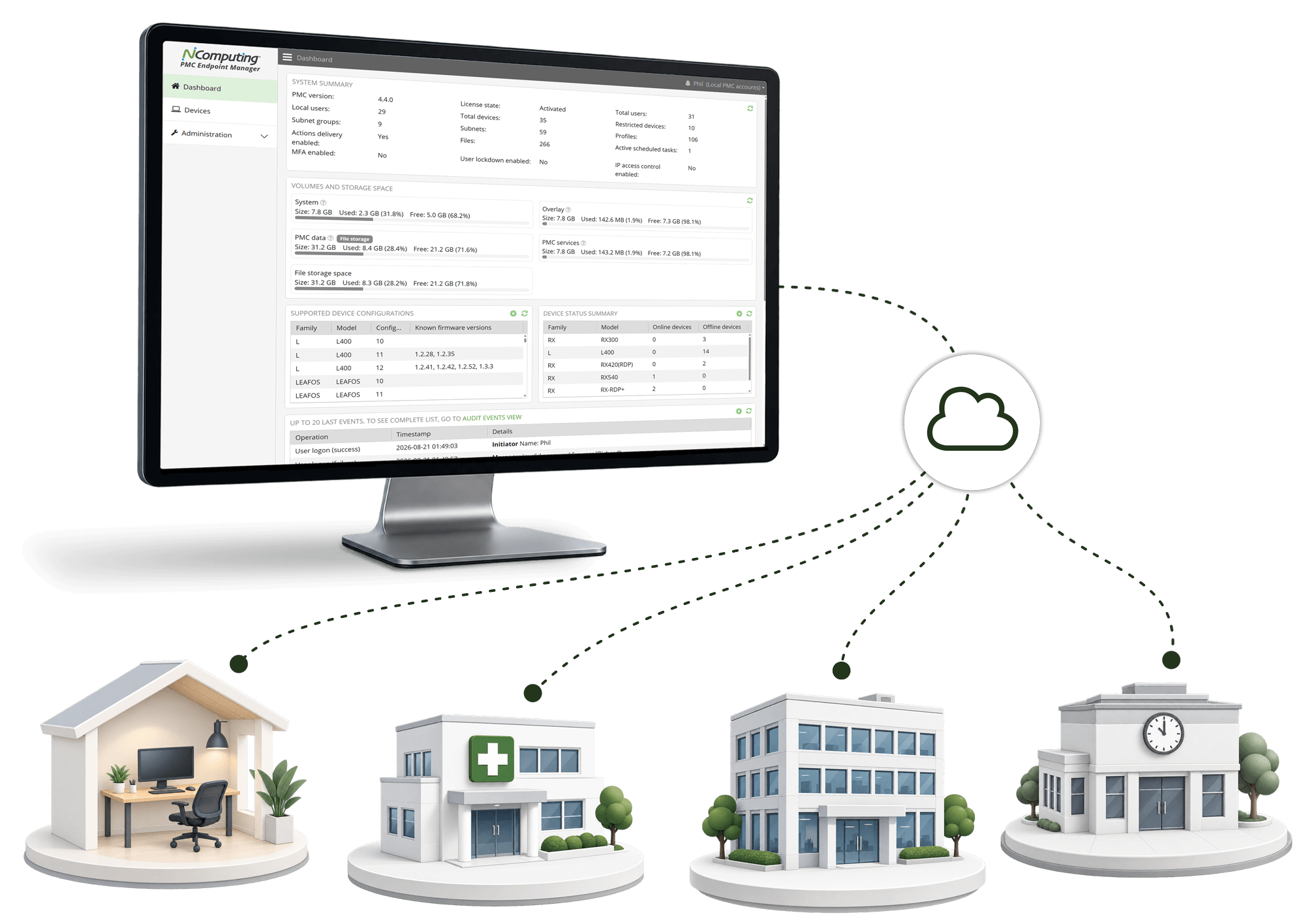
Central management software keeps things optimized

Centralized configuration
Remote updates
Visibility across deployments
vSpace Pro supports a broad range of Windows server and desktop operating systems. Use the L400 to access supported environments including Windows Server 2019, Windows Server 2022, Windows 10, and Windows 11.
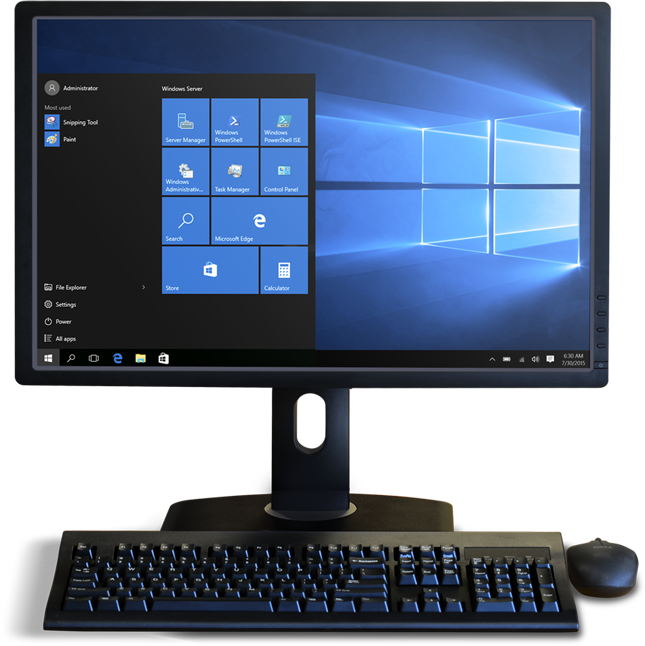
Choose your Windows experience