

vSpace Pro Open your vSpace Pro desktop in a window on Windows. vSpace Pro Client is an application for Windows operating systems. Once installed, connect to a supported vSpace Pro environment and open your virtual desktop session alongside your other Windows applications.
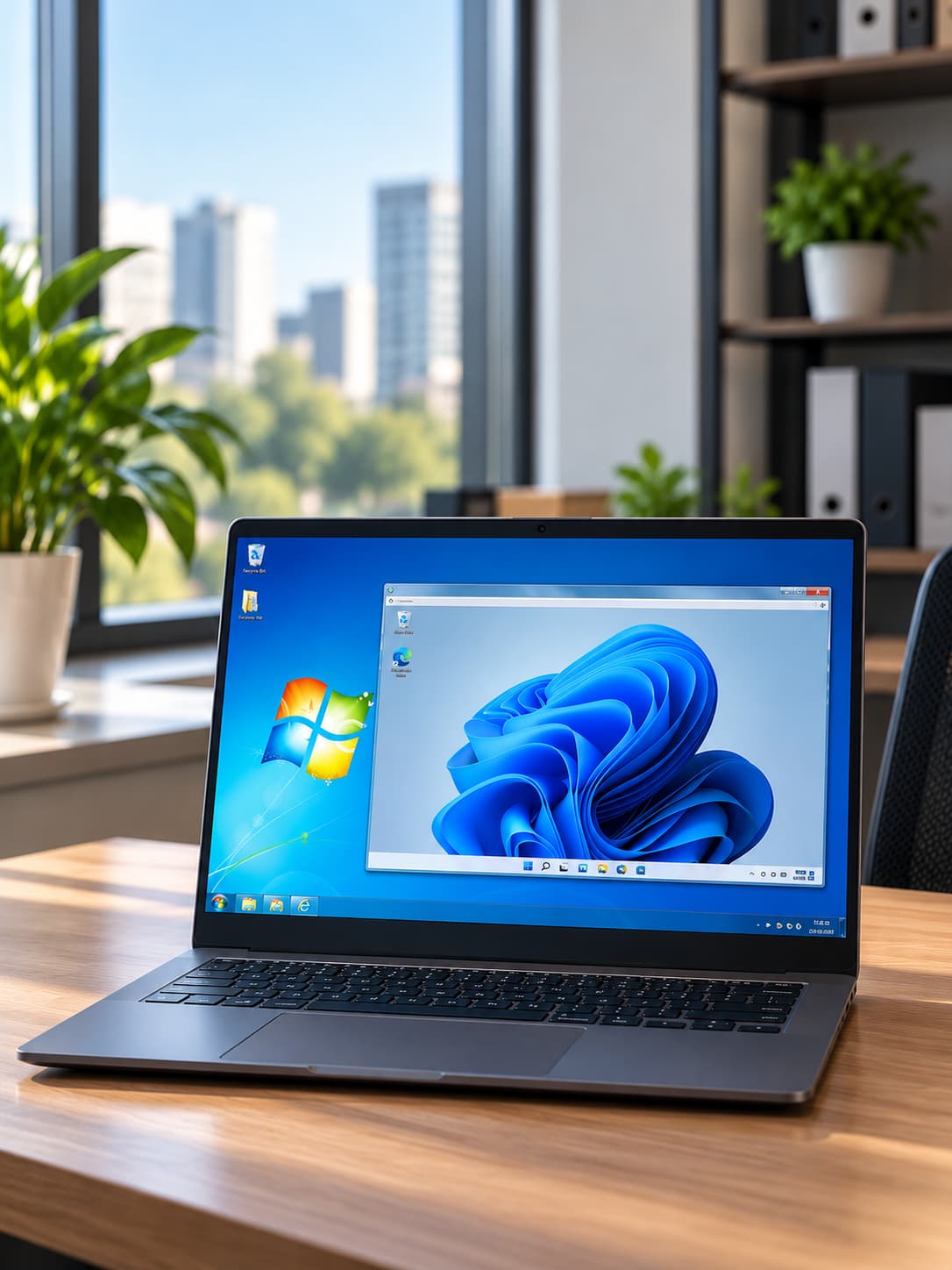
vSpace Pro Client
vSpace Pro desktops in Windows
vSpace Pro Client runs in Windows like any other application. Connect to vSpace Pro and open your virtual desktop in its own window while continuing to use your local Windows applications.

Runs in Windows
Launch vSpace Pro Client like a standard Windows application.
Desktop in a window
Open the assigned virtual desktop session in its own application window.
Work side by side
Keep local Windows applications available while the vSpace Pro session is open.
Compatibility and licensing

Windows client compatibility
Check current NComputing downloads and documentation for the latest vSpace Pro Client releases and supported Windows client details.

vSpace Pro environment
Confirm that your vSpace Pro deployment matches current NComputing guidance for supported versions and components.

Licensing and downloads
Review current NComputing licensing guidance for vSpace Pro, then use the Software Downloads page for the current client package.
Go to Software Downloads for current client packages, and use NComputing support documentation for up-to-date compatibility information.