-menu.png)
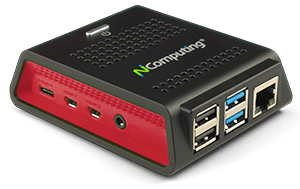
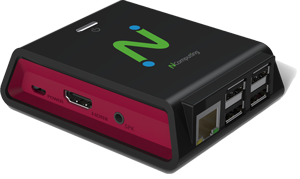
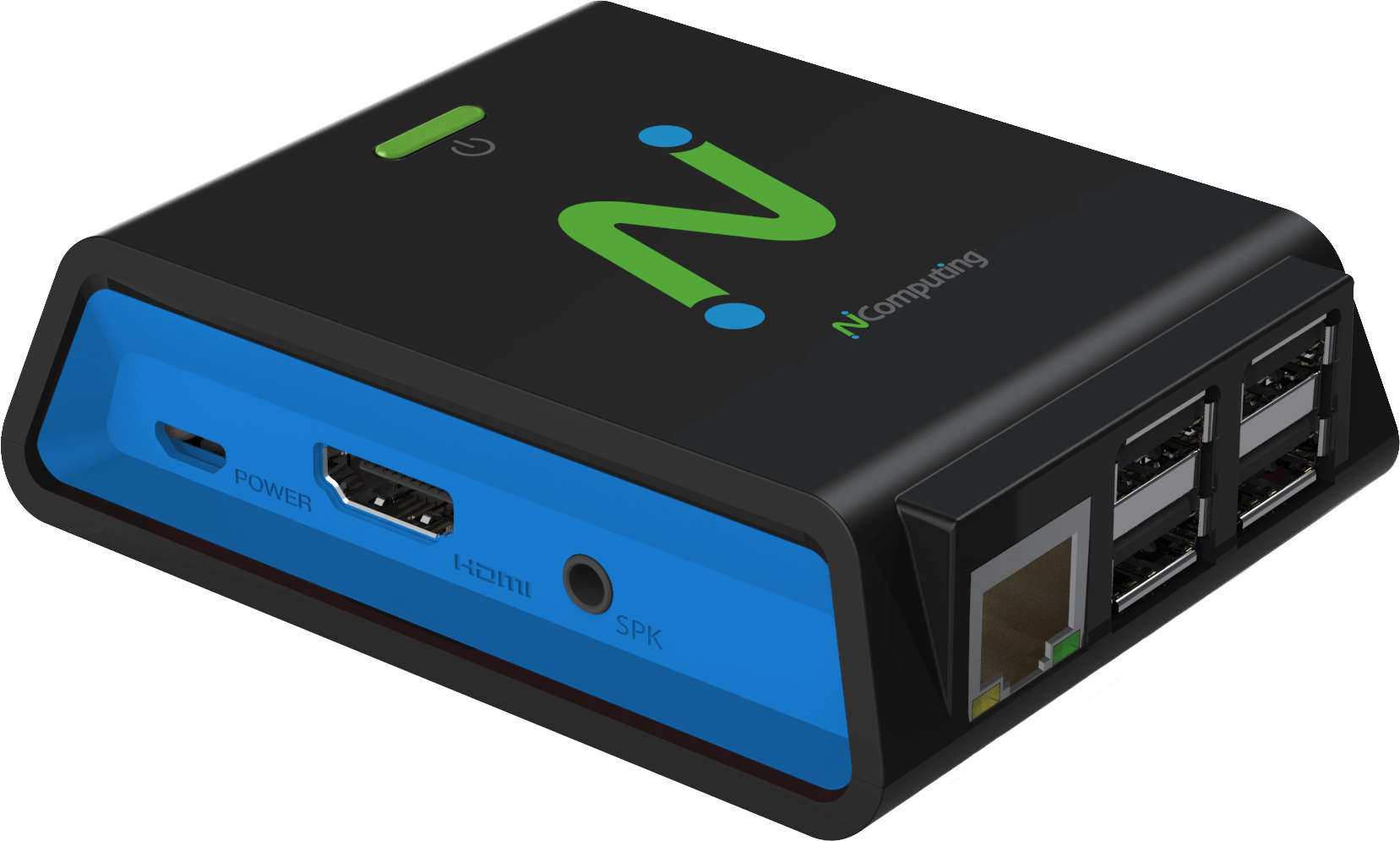

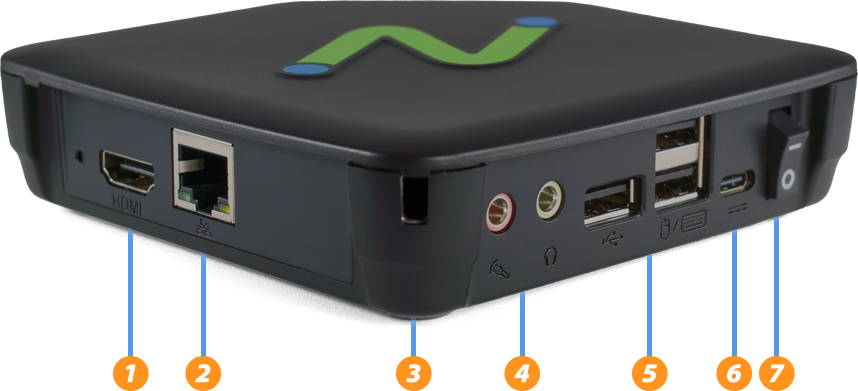
L-series Next-generation thin client for vSpace Pro. The L400 succeeds the L300 and L350 with updated connection ports, internals, and an expanded feature set. Built on a low-power quad-core ARM platform, it delivers Quad-HD multimedia, transparent USB redirection, and a seamless vSpace Pro virtual desktop experience in a compact, fanless design.
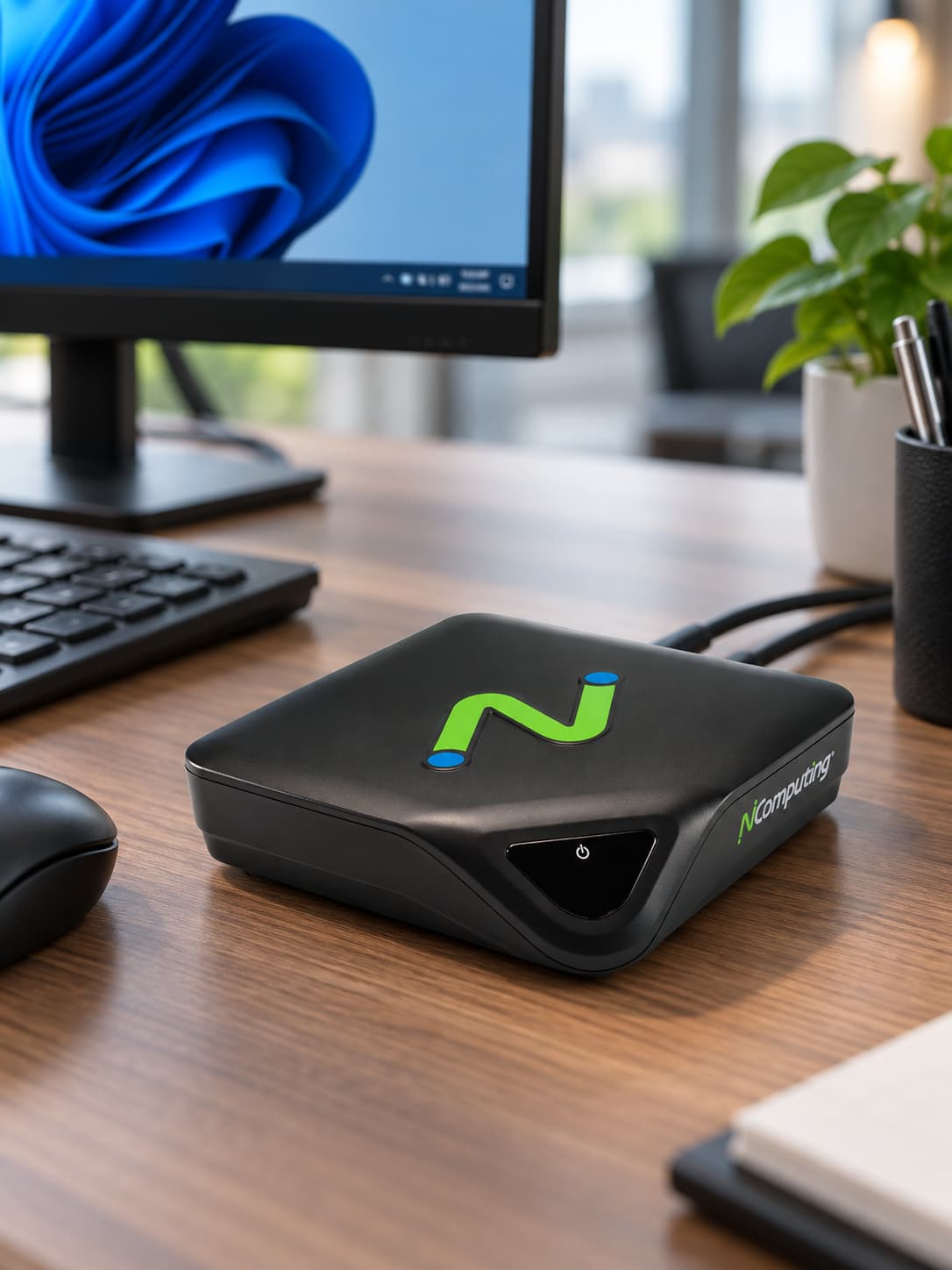
L400 thin client





Better performance, more flexibility
Built on the low-power quad-core ARM architecture platform, the L400 features full-screen Quad-HD (2560 × 1440) multimedia playback and transparent USB redirection for a seamless virtualized PC experience.
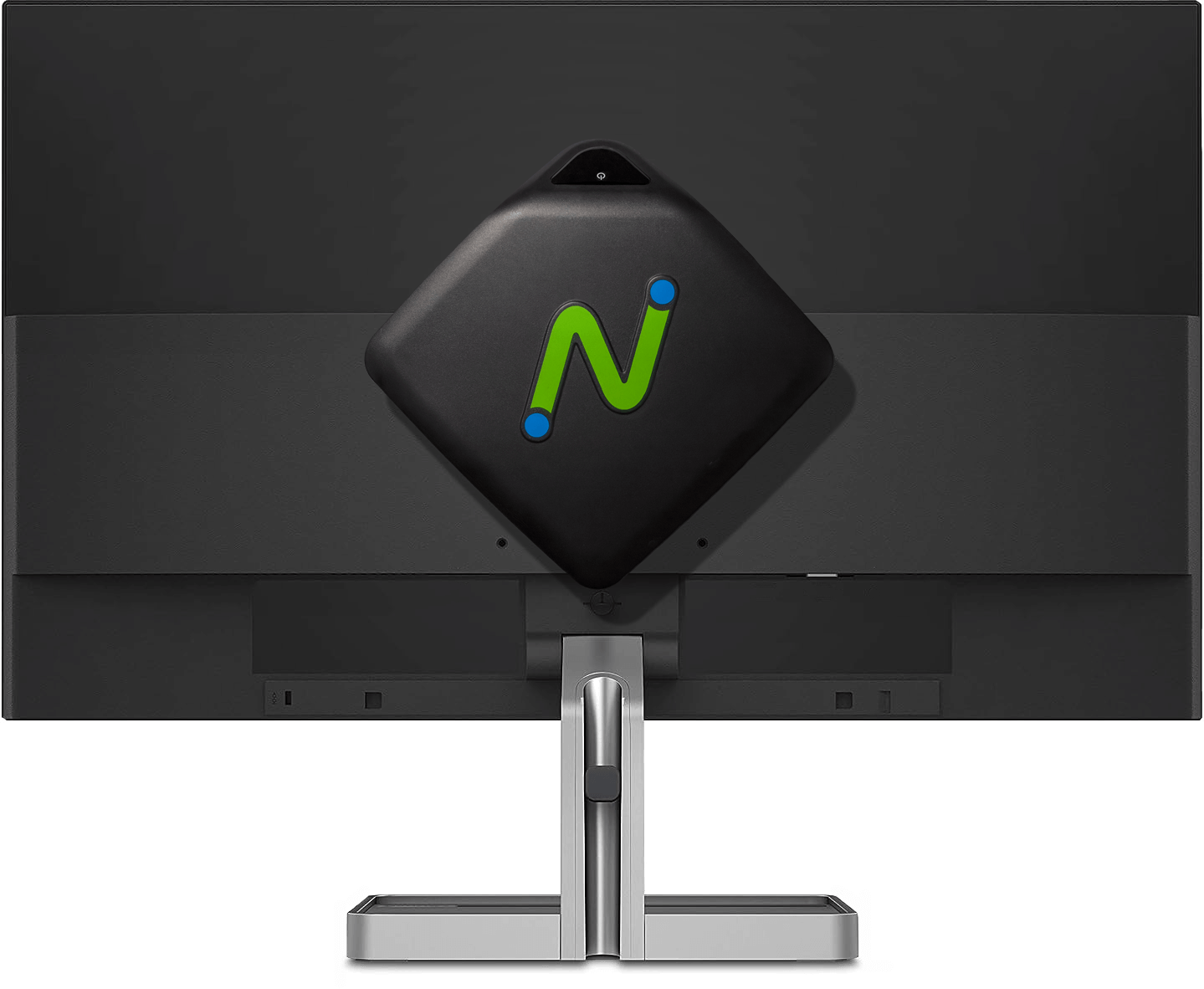
Use a VESA mount to tuck the L400 behind a monitor, or place it quietly on the tabletop. With no moving parts, the device operates without fan noise.
See and be seen
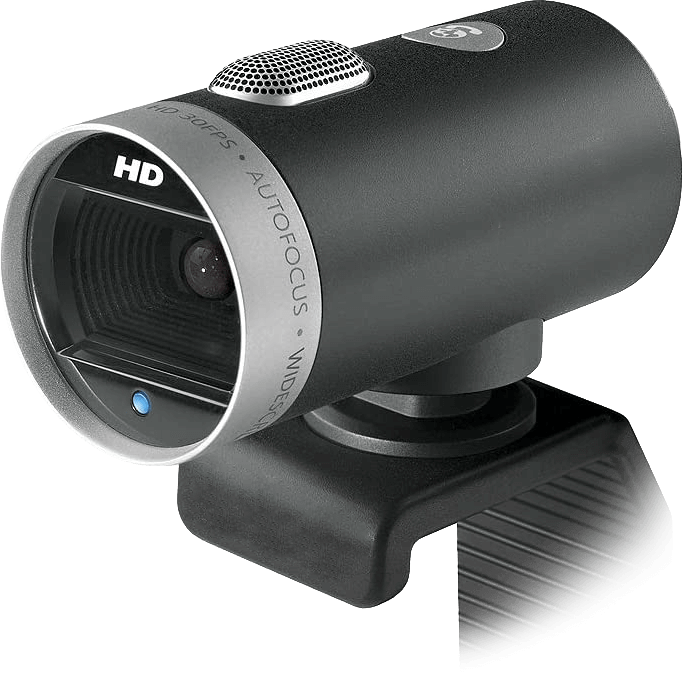
USB webcam support helps users stay engaged and productive with popular video conferencing applications including Microsoft Teams, Zoom, WebEx, GoToMeeting, and Skype.
Plug in what you want
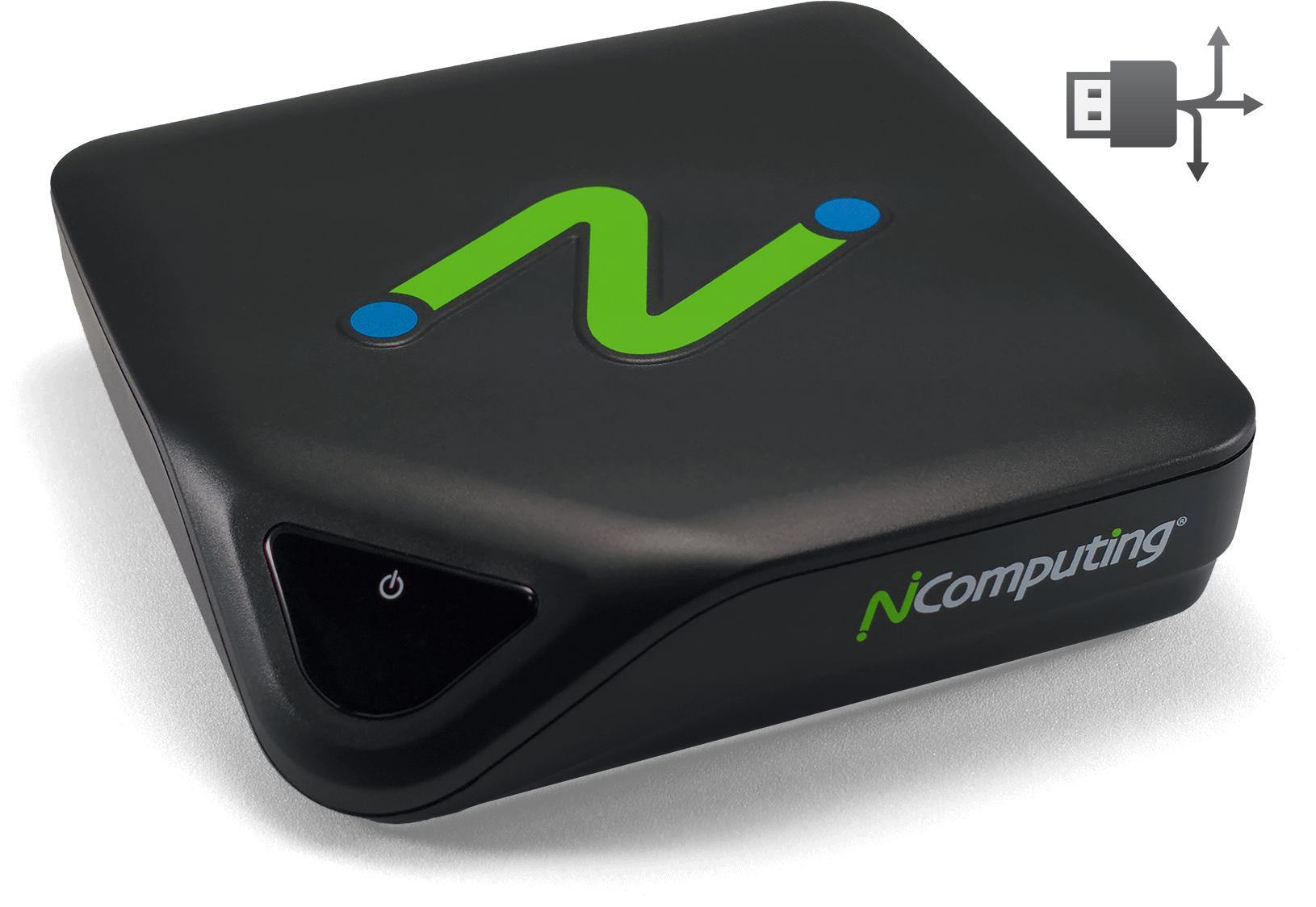
Transparent redirection of device drivers from the server to the L400 provides extensive USB peripheral support across a deployment. Supported device types include mass storage, printers, smart card readers, headsets or speakers, webcams, hubs, signature pads, and COM ports in addition to standard keyboards and mice.
The L400 is easy to configure and automatically receives updates from vSpace Pro servers. vSpace Console, the device-management component of vSpace Pro, provides centralized configuration and updates while allowing administrators to manage and monitor classrooms, sessions, and users in real time. Administrators can define device-setting templates and apply them to selected devices or hundreds of devices at a time. Subscribers to vSpace Pro AMP also have access to PMC Endpoint Manager, which can remotely manage NComputing thin clients over local and wide-area networks, including locations behind firewalls and NAT routers.
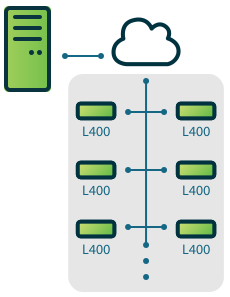
Centralized management and express deployment
vSpace Pro supports a broad range of Windows server and desktop operating systems. Use the L400 to access supported environments including Windows Server 2019, Windows Server 2022, Windows 10, and Windows 11.
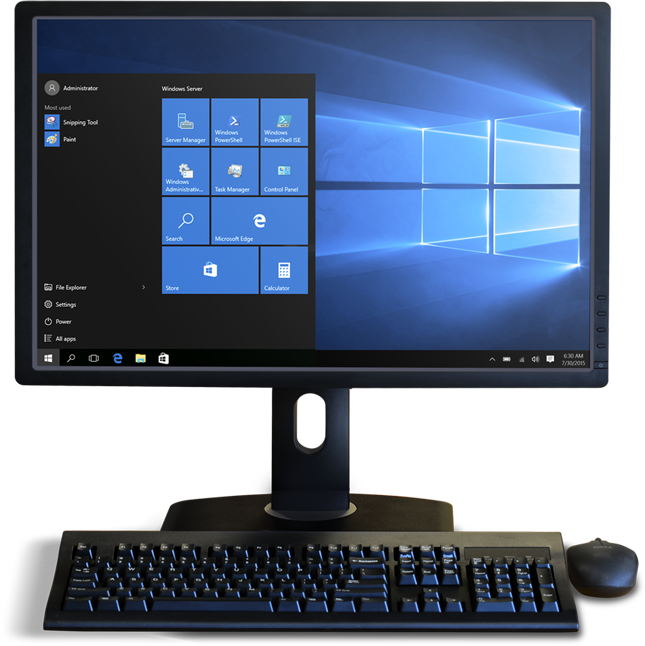
Choose your Windows experience