
Built for everyday productivity
Broad USB peripheral support
Connect the peripherals users rely on every day, including keyboards and mice, storage devices, printers, scanners, smart card readers, headsets, speakers, webcams, and other supported USB devices. Compatible peripherals can be redirected into supported virtual desktop sessions for a more natural desktop experience.
Flexible Ethernet and Wi-Fi deployment
Connect over wired Ethernet where fixed infrastructure and consistent network access are preferred, or use Wi-Fi where cabling is impractical. Flexible networking makes it easier to deploy endpoints across offices, classrooms, shared spaces, and other work environments.
Local application support
LEAF OS can run select applications locally on the endpoint, providing direct access to tools such as the Chromium browser and supported progressive web applications without routing every interaction through the virtual desktop. IT administrators retain centralized control over which local applications are available.
Microsoft Teams optimization
On supported virtualization platforms, Microsoft Teams optimization processes audio and video locally on the endpoint instead of sending the full media workload through the virtual session. The result is smoother calls, clearer audio and video, and a more responsive collaboration experience.
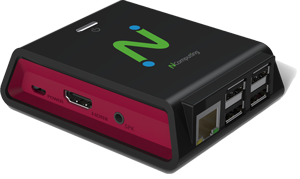
Powered by Intel x86-64 CPU architecture (Intel Quad-Core N5095 2.0 GHz with burst frequency up to 2.9 GHz) and LEAF OS, EX500W delivers resolutions up to 4K Ultra HD (4096 × 2160) in native dual-display mode through two HDMI ports.
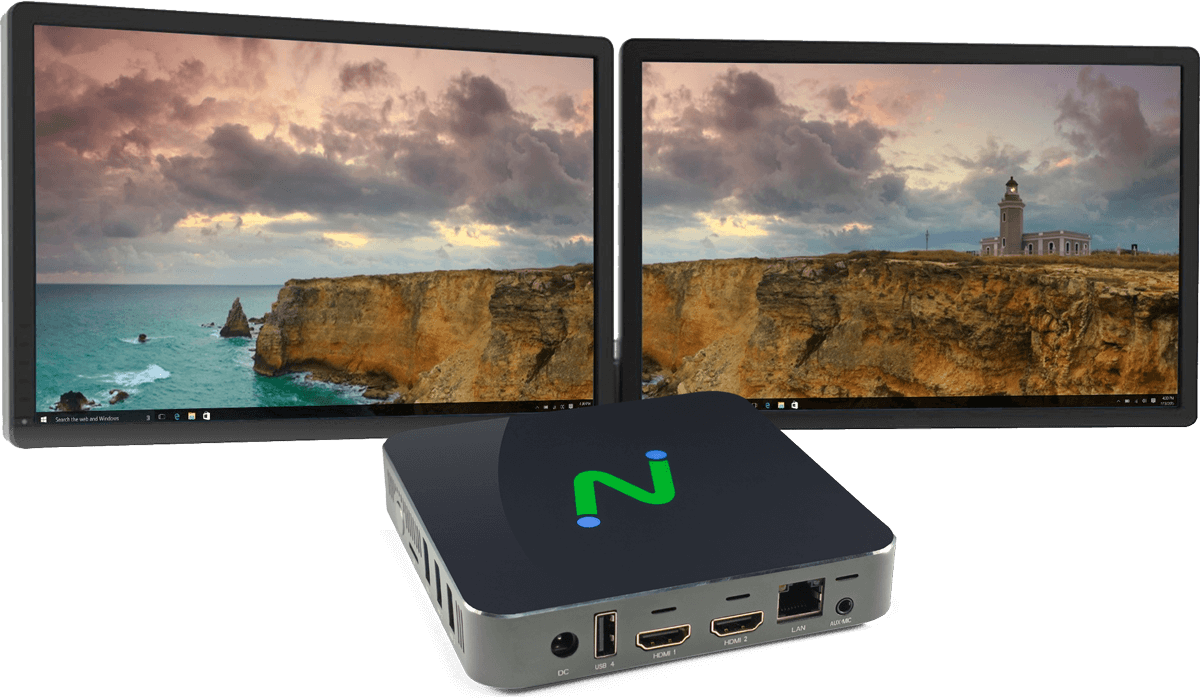
4K Ultra HD support with native dual displays