Get the most out of your installations with Annual Maintenance Programs. AMPs give you world-class support, software updates and feature enhancements for your virtualization platform.
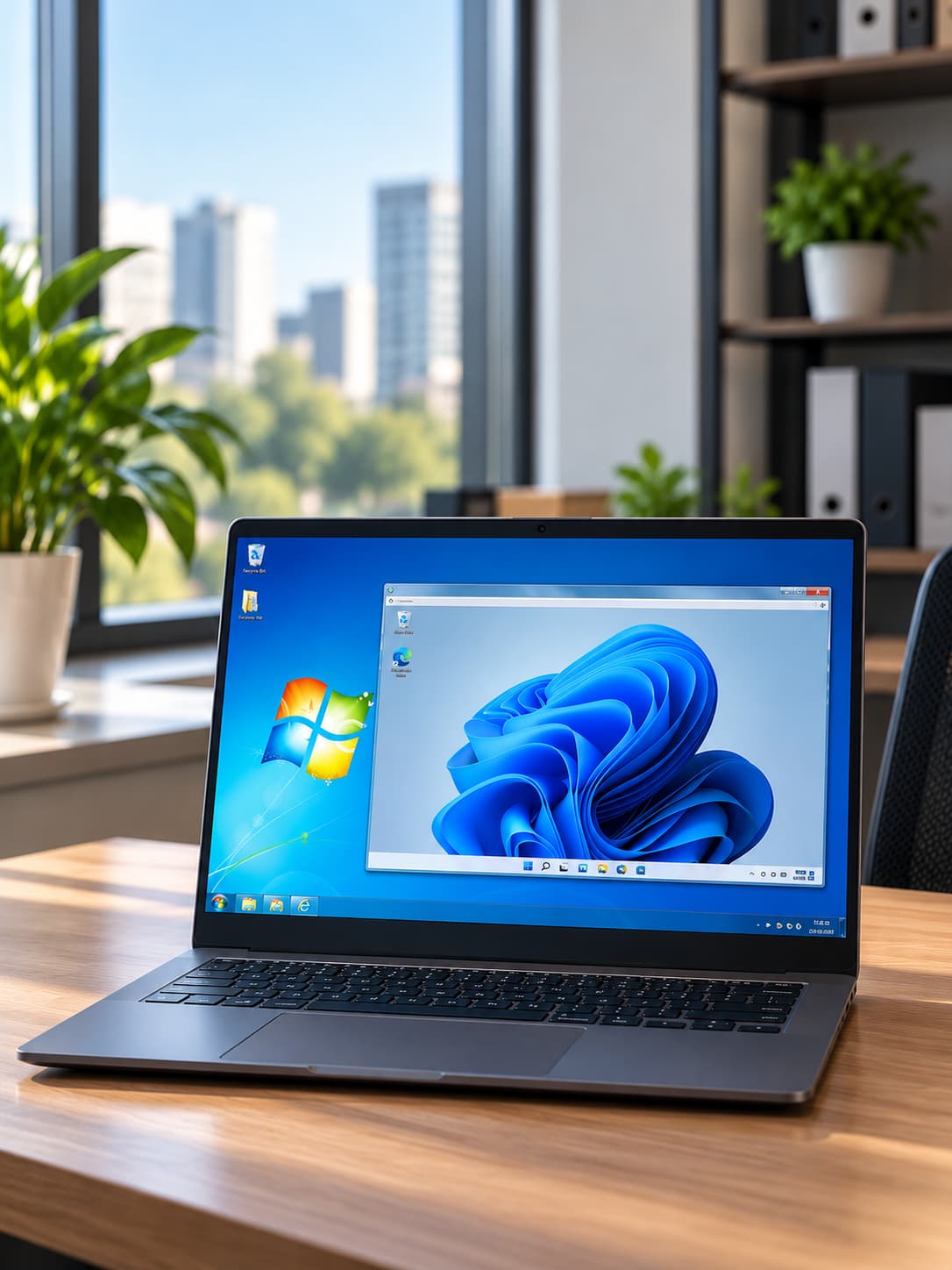
Open your vSpace Pro desktop in a window on Windows.
vSpace Pro Client is an application for Windows operating systems. Once installed, connect to a supported vSpace Pro environment and open your virtual desktop session alongside your other Windows applications.
vSpace Pro Client runs in Windows like any other application. Connect to vSpace Pro and open your virtual desktop in its own window while continuing to use your local Windows applications.
Runs in Windows
Launch vSpace Pro Client like a standard Windows application.
Desktop in a window
Open the assigned virtual desktop session in its own application window.
Work side by side
Keep local Windows applications available while the vSpace Pro session is open.
How it works
1
Launch vSpace Pro Client
Open the application on the Windows PC.
2
Connect to vSpace Pro
Enter or select the supported vSpace Pro server or environment.
3
Open the virtual desktop
Sign in and open the assigned desktop session in its own window.
See vSpace Pro Client in action
vSpace Pro Client for Windows provides a simple way to connect to a supported vSpace Pro environment and open your virtual desktop session alongside your other Windows applications.
Install the client on Windows, connect to your vSpace Pro environment, and access your assigned virtual desktop in its own application window.