
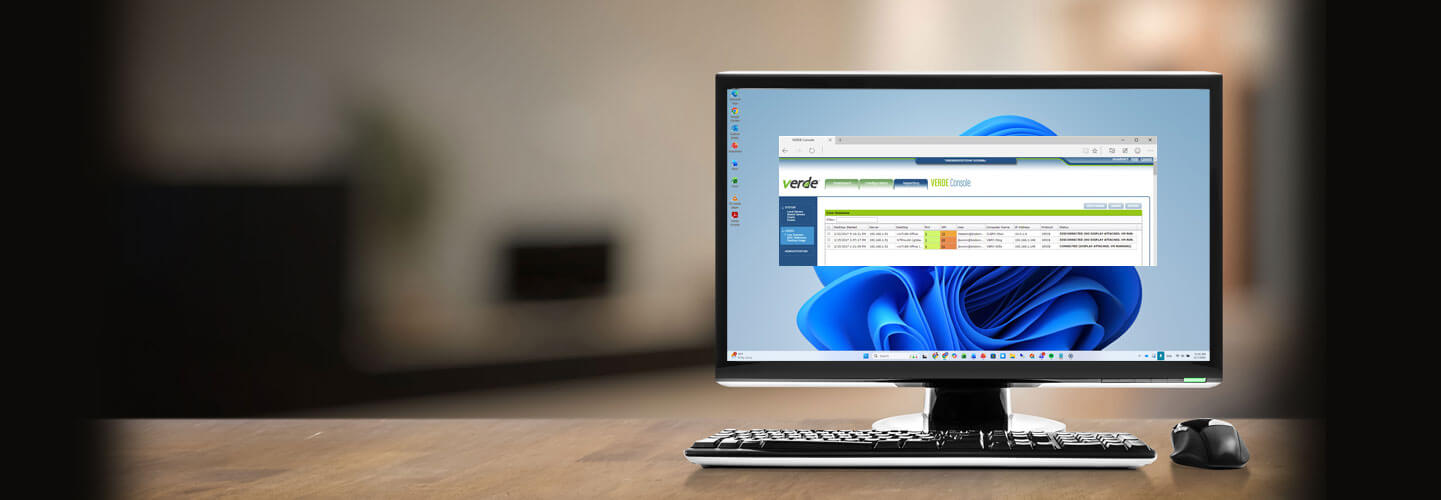



VERDE VDI
Get a 30 day free trial.
Ready to get started? Let's go.
Please complete this form and we will contact you shortly to discuss the free VERDE VDI trial.
At-a-glance
- Secure, personalized virtual desktops
- Multiple deployment modes (incl. multi‑tenant Cloud Fabric)
- Lower storage CapEx / optimizer
- Built-in remote access + secure browser options
- Works with NComputing client devices
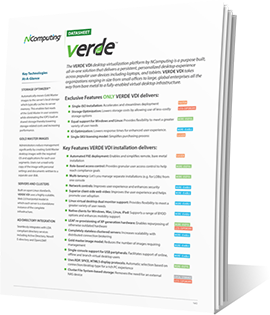
VERDE Secure Browser Technology
VERDE’s innovative Secure Browser container technology utilizes a minimal Linux OS, tailored to support Google Chrome, Firefox, Microsoft Edge, and the Whale Browser. With no access to the user’s local PC, VERDE Secure Browser offers complete infrastructure isolation, and protection from malicious agents. When the browser is closed, all session data is obliterated.

VERDE Remote Access
Need access to your computer at the office, or maybe a shared drive attached to it? VERDE Remote Access provides highly secure 24/7 connections without the need of a VPN from anywhere via the internet. It’s built in to the VERDE VDI solution, but also available as a stand-alone product for quick and easy remote access.

Deployment Calculator
Use this tool to calculate to understand the requirements of your deployment - how many servers, RAM, CPU cores, internal & external storage, and other specifications to build out your rock-solid deployment.
See how efficiently it will operate under normal conditions and when 1 server drops out.
Client Access
VERDE VDI connects to a wide range of endpoint devices including PCs, thin clients, software clients and any HTML5 enabled browser. Regardless of where you are, you're never far away from your desktop.
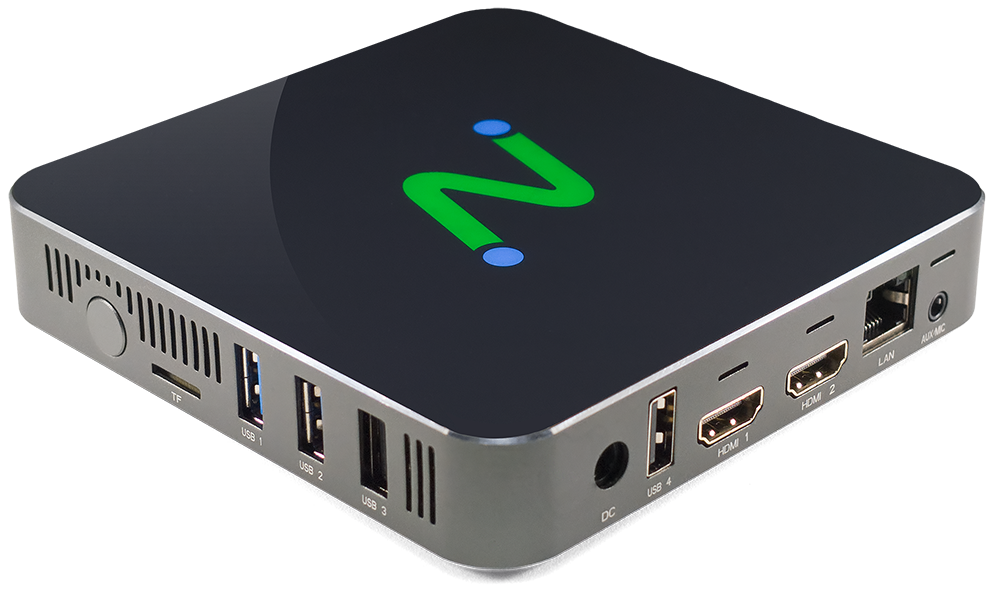
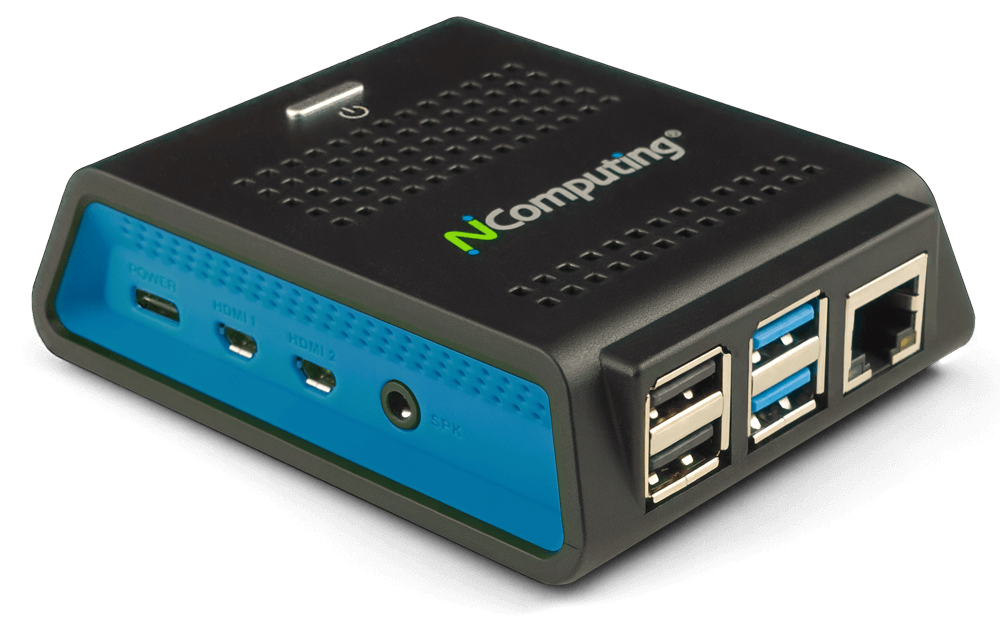
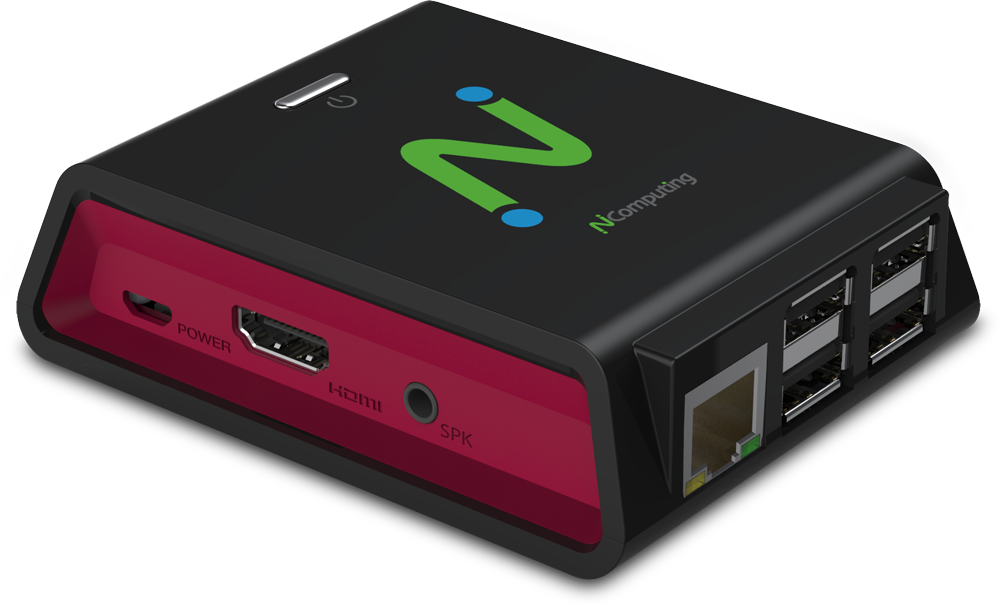
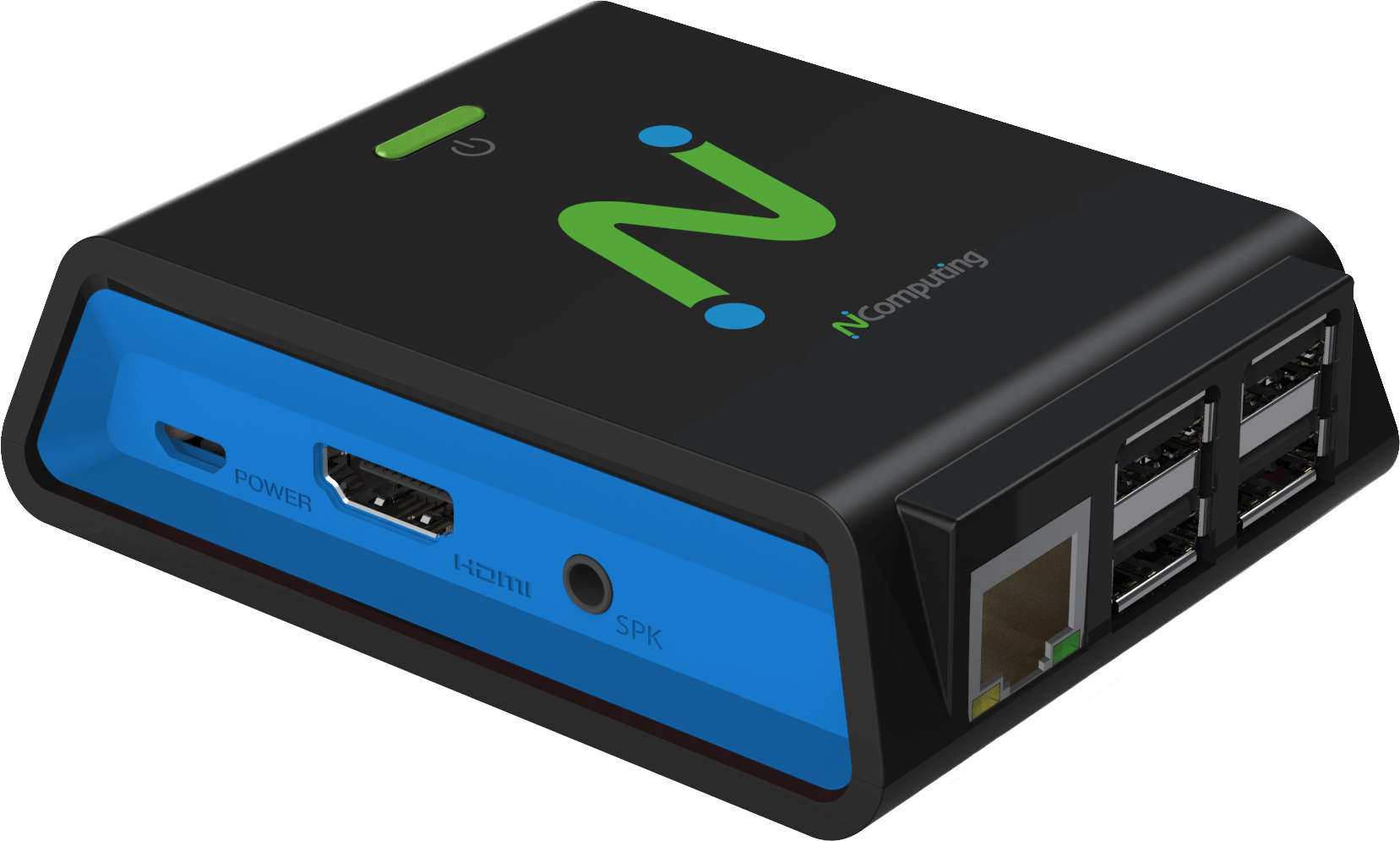
With VERDE VDI you now have the option to use the RX300+ or RX-RDP+ thin clients–our own devices with support for RDP access protocol. Using the RX300+ or RX-RDP+ as your connection device means you have one company that supplies both an award-winning, server-hosted VDI software solution and an easy-to-manage access device.
In addition to the RX300+ and RX-RDP+ thin clients, we continue to support:
PC Clients
- Windows 10, 11
- Mac OS X up to an including Sonoma 14.8.3
- Linux OS models running Red Hat, Fedora, CentOS, Ubuntu
- LEAF OS
- Chromebooks using any HTML5 web browser
Thin Clients*
- Linux-based thin clients*
- Windows-based thin clients*
- EX500
- RX540 / RX580
- RX300+ running firmware 3.2.1 and above
- RX-RDP+ running firmware 1.4.3 and above
- RX420(RDP)
- RX440(RDP)
- Utilize PMC to manage RX-series devices.
* Check with us for specific models and versions.
Mobile Connect HTML5
- iPad
- Android
Ready to get started?
Ready to get started? Let's go.
If you have questions about our products and services, and wish to speak with an NComputing representative, please complete this form and we will contact you shortly.
Please do not use this form for technical support. If you need technical help with NComputing products you currently own, please click here.
Here's what our clients have to say
The response has been so overwhelmingly positive
that we decided to share with you some of the kind words.
Executive Director for Technical Services
Asia Pacific College
Busan Bank
Gyeongsang National University Hospital
Director
Bantoe
Government Information Technology Services
Government of Anquilla
CEO
Orizon Systems
Academic Director
Ludwig-Maximilians-Universität München
IT Manager
ICERM
Military
US Department of Defense
Documentation
Success Stories
Pages
Videos
VERDE Remote Access
VERDE VDI: Overview

Whitepapers
FAQ
VERDE can be downloaded as a trial version but requires a per concurrent seat license for any connections past the initial trial. Contact NComputing or your local reseller to obtain an access key to obtain a copy of the VERDE software.
A VERDE VDI trial download can be obtained by filling out this form on the NComputing website. Based on this request, we will contact you with a download redemption key that use when you login to our management portal and go to the VERDE download page. VERDE comes with a 30-day / 10-seat trial license activated upon installation.
NComputing provides VERDE release notes, documentation for configuration sizing, installation planning, and detailed installation steps to help you get started. A VERDE administration guide is also available at the same time that describes how to create gold images, administer users and sessions.
Our extensive collection of Knowledge Base articles is another excellent source of information about VERDE and includes installation and performance tuning tips we have gleaned over the course of development and internal testing of VERDE. The KB articles are easily searchable from the support page of the NComputing website.
VERDE installation options include:
- RPM packages compatible with CentOS 7.9
- RPM packages compatible with CentOS 7.9 with GPU support (GPU support requires CentOS 7.9 or better)
- VERDEOS ISO package built on CentOS 7.9 (burn to DVD)
- VERDEOS IMG package build on CentOS 7.9 (save to USB stick)
The RPM packages provide a more flexible installation as you have more control of the OS packages installed beyond the minimum install of CentOS. This is the recommended installation package for production systems.
The VERDEOS package has an easier menu guided installation process with the limitation that the OS image may not contain all of the latest patches or device drivers needed or available on your hardware. This package is useful to help you get start quickly with a VERDE POC.
Installation assistance is also available directly from VERDE through a professional services engagement.
VERDE provides a downloadable software client application that allows any PC, Mac, or Linux desktop to connect and authenticate to a VERDE host system.
We also support the VERDE client tools on our RX300, RX-RDP, and EX500 thin clients as well LEAF OS devices and third party Windows or Linux embedded thin clients. Clientless access to VERDE is supported via any HTML5 compliant browser.
VERDE supports Windows and Linux based desktop and application delivery protocols.
Yes. We continue to release new versions of VERDE. Each version comes with many new enhancements that are beneficial to customers and bug fixes found in earlier versions of VERDE have been included in VERDE. Please refer to the latest VERDE release notes for a list of the most significant fixes and remaining known issues.
Upgrading to the latest version of VERDE now will ensure that any future point releases will always be the best supported version going forward
VERDE requires that the processor type is based on the X86 architecture. For installation of VERDE on a CentOS 7.9 system it is important to also check the Linux compatibility list for supported processor types. VERDE makes every effort to support new processor types with each new release of VERDE but cannot assure you that a new processor type made between VERDE releases can be supported.
For the virtual desktops, VERDE has the ability to emulate many different processor types depending on the supported processor architectures for the particular desktop OS being deployed. Again, checking the individual OS being virtualized you should always check the support matrix from the desktop vendor.
SUPPORTED GUEST OPERATING SYSTEMS
| Operating System | Version / Build |
| Windows 7 | Version 6.1 Build 7601 Service Pack 1 |
| Windows 11 | Latest release |
| Windows 10 | Version 1909 build 18363.418 |
| Windows 10 | Version 2004 build 19041.264 |
| CentOS 7 | CentOS 7.6.1810 |
| Rocky Linux | Version 8.9 |
| RHEL 7 | Red Hat Enterprise Linux Server release 7.7 (Maipo) |
| Ubuntu Server | Version 24.04 |
| Linux Mint 2004 | Linux Mint 20 Ulyana \n \l |
| Linux Mint 1802 | Linux Mint 20 Sonya \n \l |