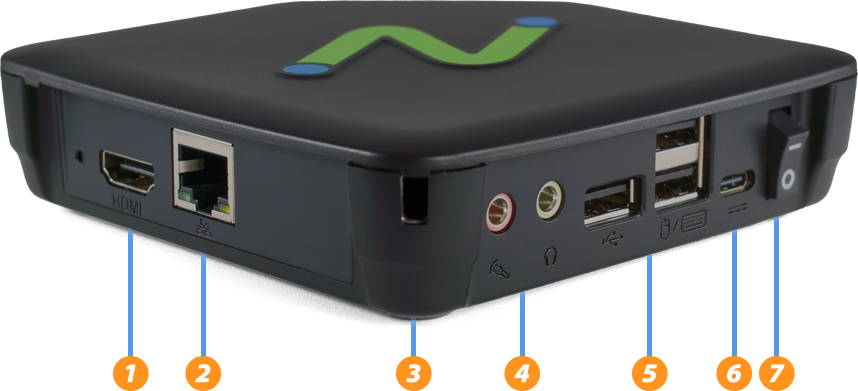
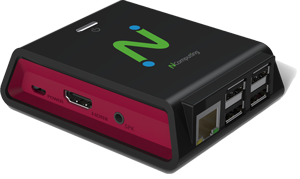

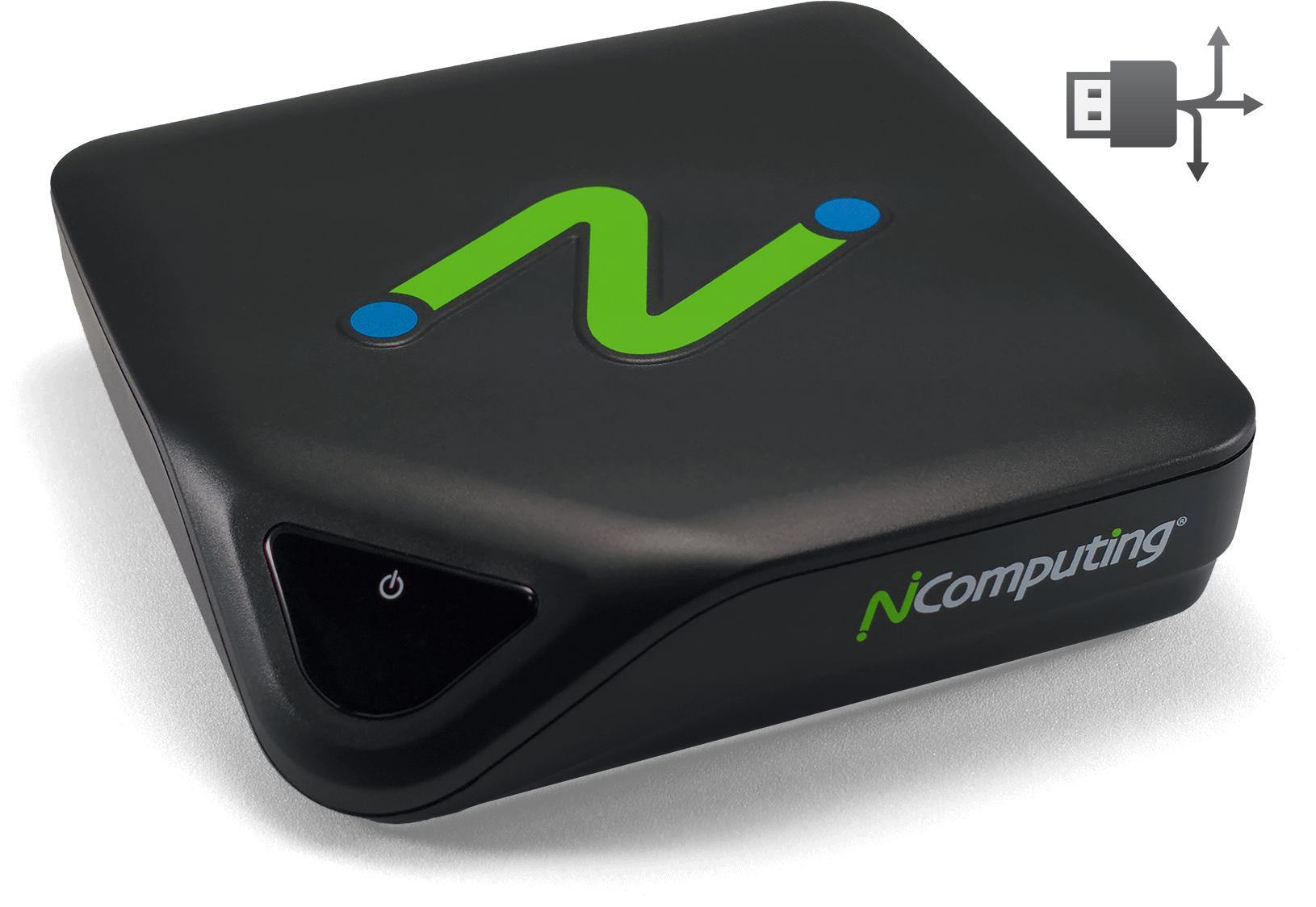
L-series Next-generation thin client for vSpace Pro. The L400 succeeds the L300 and L350 with updated connection ports, internals, and an expanded feature set. Built on a low-power quad-core ARM platform, it delivers Quad-HD multimedia, transparent USB redirection, and a seamless vSpace Pro virtual desktop experience in a compact, fanless design.
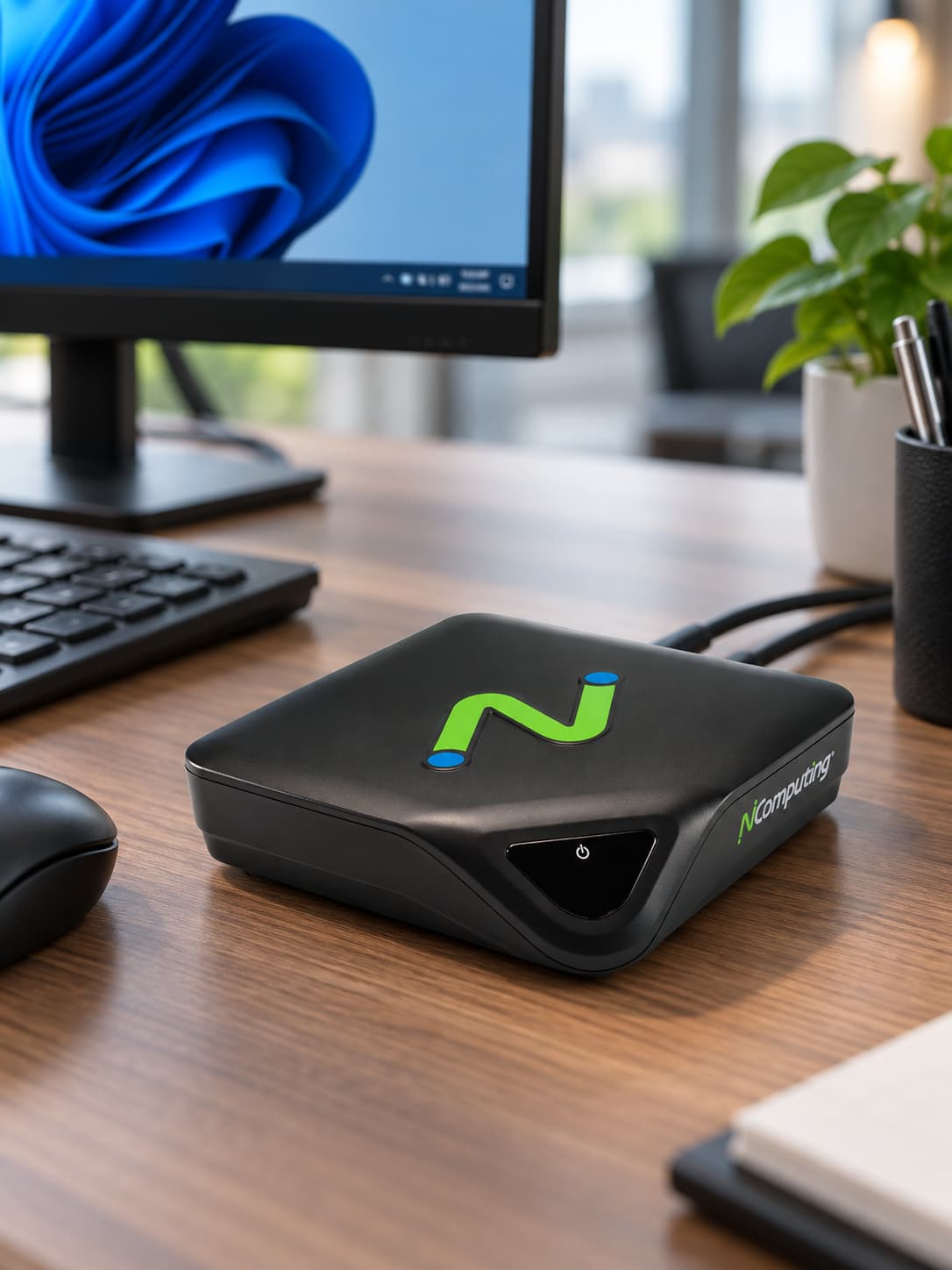
L400 thin client
 Quad-core ARM Low-power architecture
 Single Display2560 x 1440 max resolution
 HDMI Video output
 10/100 Ethernet Wired networking
 USB redirection Broad peripheral support
 vSpace Pro Desktop virtualization
Better performance, more flexibility
Built on the low-power quad-core ARM architecture platform, the L400 features full-screen Quad-HD (2560 × 1440) multimedia playback and transparent USB redirection for a seamless virtualized PC experience.
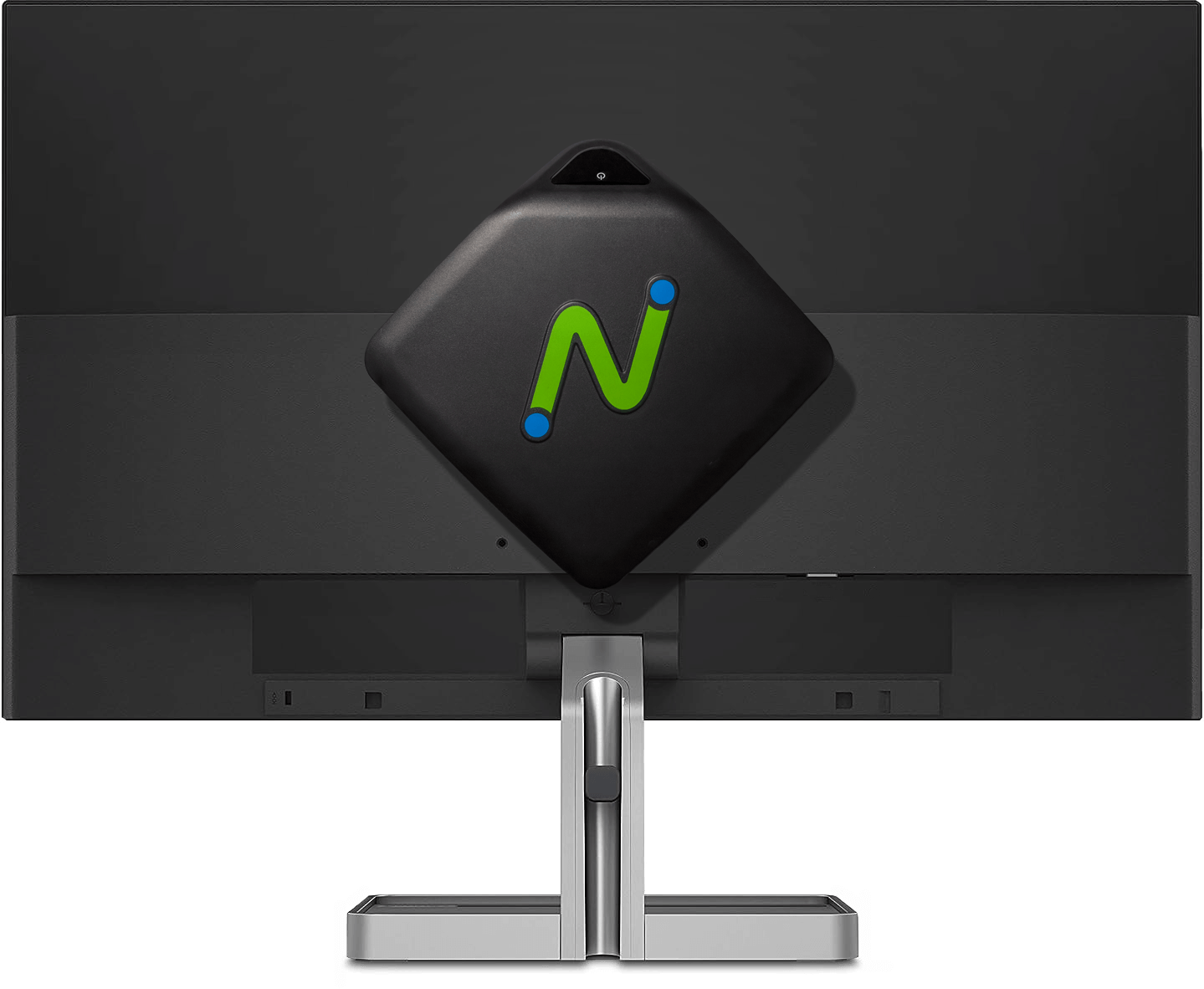
Use a VESA mount to tuck the L400 behind a monitor, or place it quietly on the tabletop. With no moving parts, the device operates without fan noise.
Take advantage of your vSpace Pro investment
vCAST Streaming
vCAST reduces server-side CPU usage when streaming media from sources such as YouTube and from local media content, without requiring expensive GPUs. The result is smooth media streaming, lower network traffic, and reduced server CPU usage, allowing more concurrent users per server.
UXP Turbo
UXP Turbo enhances the desktop experience for 3D rendering, browser scrolling, video playback, and multimedia-intensive applications that can take advantage of host systems with supported graphics cards.
UXP Turbo is available only in vSpace Pro Enterprise when running Windows 10, Windows 11, or Windows Server 2022.
See and be seen
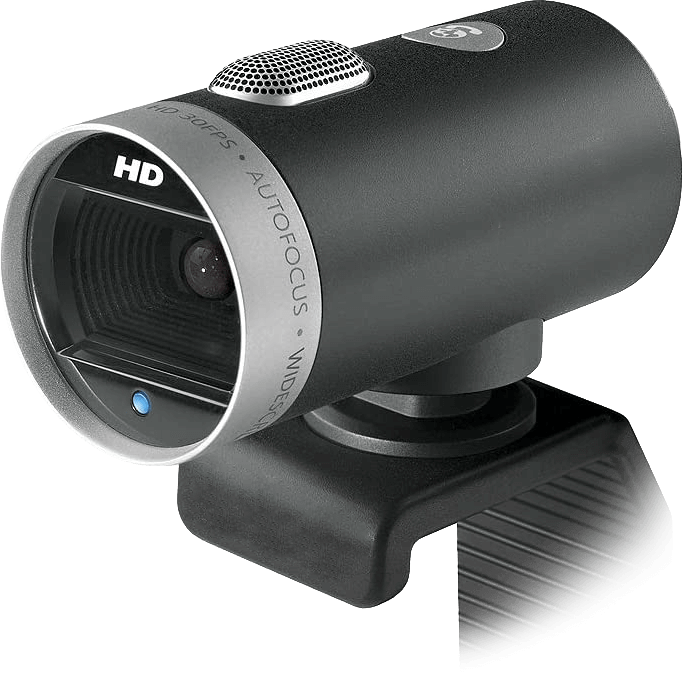
USB webcam support helps users stay engaged and productive with popular video conferencing applications including Microsoft Teams, Zoom, WebEx, GoToMeeting, and Skype.
Plug in what you want
Transparent redirection of device drivers from the server to the L400 provides extensive USB peripheral support across a deployment. Supported device types include mass storage, printers, smart card readers, headsets or speakers, webcams, hubs, signature pads, and COM ports in addition to standard keyboards and mice.
The L400 is easy to configure and automatically receives updates from vSpace Pro servers. vSpace Console, the device-management component of vSpace Pro, provides centralized configuration and updates while allowing administrators to manage and monitor classrooms, sessions, and users in real time. Administrators can define device-setting templates and apply them to selected devices or hundreds of devices at a time. Subscribers to vSpace Pro AMP also have access to PMC Endpoint Manager, which can remotely manage NComputing thin clients over local and wide-area networks, including locations behind firewalls and NAT routers.
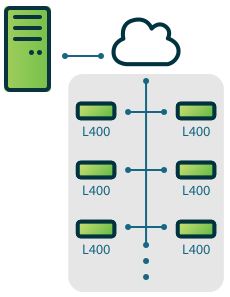
Centralized management and express deployment
vSpace Pro supports a broad range of Windows server and desktop operating systems. Use the L400 to access supported environments including Windows Server 2019, Windows Server 2022, Windows 10, and Windows 11.
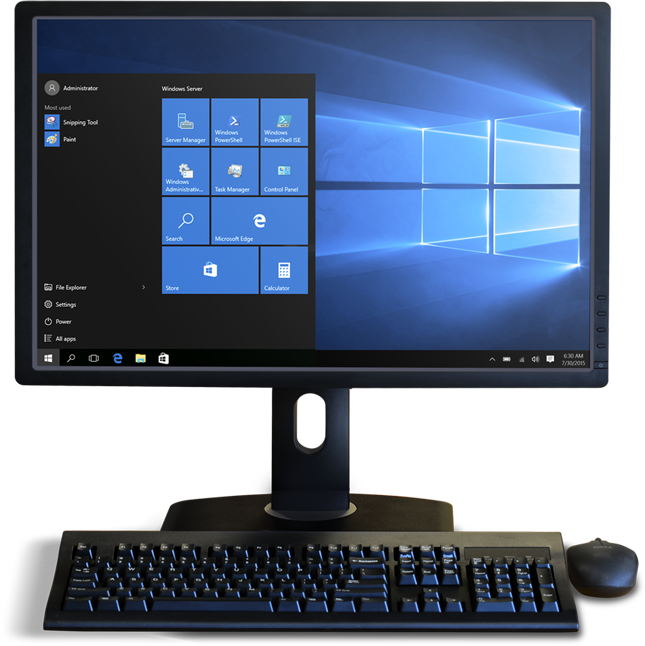
Choose your Windows experience